



One topic. One exercise.
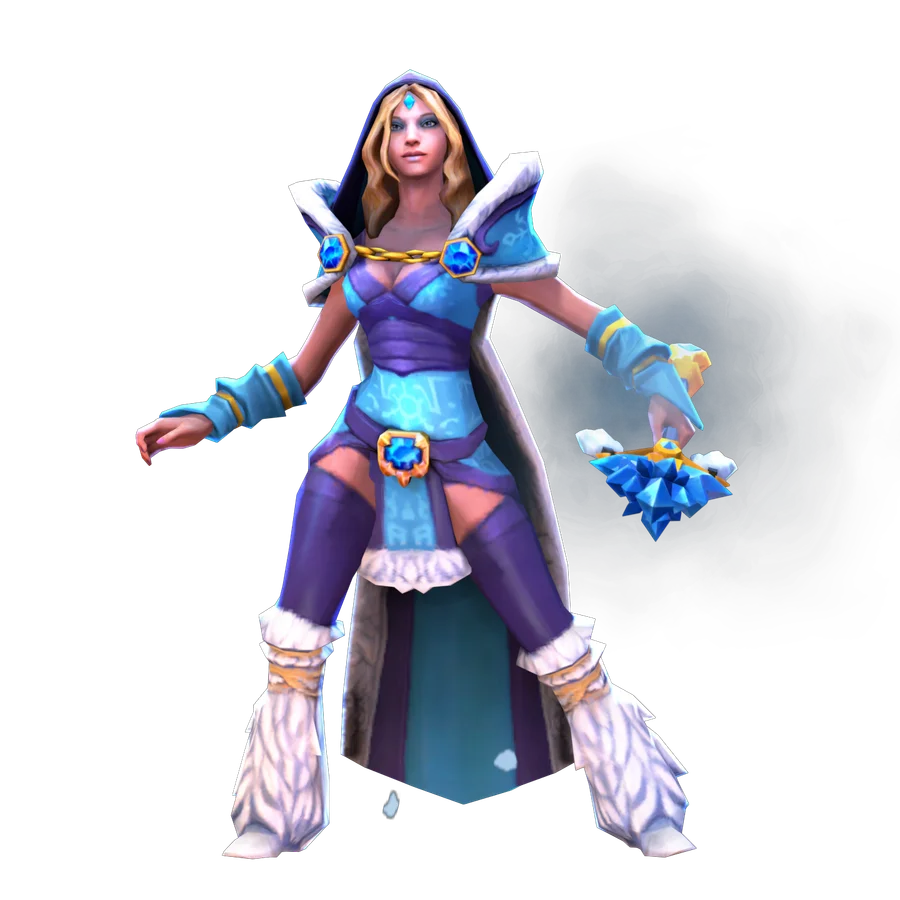
The map is large, and your hero is not needed everywhere at once. Boots help you reposition; a TP lets you move to an available allied destination. I suggest assessing both the journey there and the situation you will enter after moving.
Speed is useful through the action it enables
Boots change your ability to catch someone, retreat and take a position. But they do not replace information about enemies or an ally's support. The fastest route into an unknown area can still lead to a bad decision.
Boot upgrades have different purposes and limitations. Before buying, compare the resource you need, your role and later items. Do not copy one pair for every hero, and read the current description for exact bonuses. For basic practice, understanding how movement affects your position is enough.
«Before a TP, I want to know two things: why I am going and where I will be when I land.»
Ruslan Ukrainskyi · OOPS DOTA

A scroll needs time and must be usable
Town Portal Scroll moves your hero to a suitable allied building after channeling. While that happens, an opponent can interfere if they have the appropriate tool. Having a scroll in its separate slot does not prove you have enough mana or that the item is ready.
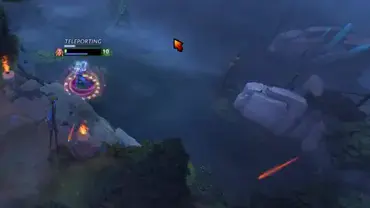
The CM example shows a TP used in a dangerous moment. It is an event from one match, not a guarantee of escaping on low health. Assess enemy disables and where you begin the teleport first. Check the current client for exact duration, cost and destination options.
 EXPLORE THE EXAMPLE ↗
My escape on CM: a dangerous moment and a teleport. A scroll takes time, during which enemies can stop you.
OOPS DOTA / Ruslan Ukrainskyi
Helping starts with choosing your destination
Teleporting straight to an ally in trouble may put you in the same trap if you arrive without resources and support. Look at which enemies are visible, what your heroes are ready to do and whether you can arrive somewhere a little safer.
When defending a tower, it helps to know your first action: disable an enemy, restore an ally or simply show your presence. If the plan is unclear and the fight is already over, a late teleport may only leave another lane without you.
After moving, you still have another job
A TP scroll and a hero's teleport ability are different tools with different conditions. Do not transfer Nature’s Prophet's options to an ordinary scroll. In your game, check the tool you actually have.
After teleporting, your scroll may be unavailable for the next move. Plan your walking route and your task after helping in advance. Returning to farm, placing vision or pushing together should account for your new map position, rather than automatically continuing the old plan.
- 01Name the purpose of the TP
- 02Check the scroll and mana
- 03Choose a safe destination
- 04Act after arriving
Try it in the client.
Open a bot match. Make sure you have a ready scroll and enough mana; do not practise your first TP under enemy attack.
- 01
Find the scroll slot and read the current conditions for using it.
- 02
Choose an available allied building and name your task after moving.
- 03
Start the TP from a safe place and observe how long your hero remains occupied by the action.
- 04
After arriving, assess your position, resources and nearby allies before another attack.
- 05
Say how you will move next while the scroll is unavailable.
How to tell whether it worked
You distinguish starting a TP from arriving, check mana and readiness, and choose a destination for an action.
You can teleport to a tower where your ally has already died and several enemies are nearby. What should you check?
Choose an action and read the explanation.
Tried it in-game?
Mark the lesson when you’ve done the practice. It’s your checkmark, not a skill grade.
Next lesson ↗Sources and context
An original beginner course by Ruslan Ukrainskyi. The learning path was prepared on October 6, 2026 for patch 7.41f; check exact values, object locations and interactions against the current client and Valve’s source. Illustrations have separate captions: our own recordings, official demonstrations and clearly marked historical examples.
Valve: short practice scenarios and a glossary (2021) ↗Valve: heroes and ability descriptions ↗Valve: current patch 7.41f notes ↗Valve: current Town Portal Scroll description ↗Valve: current Boots of Speed description ↗